Get ₹1600 Shipping Credits on First Recharge of ₹1000. Use Code: FR1000 *T&C Apply.
 [custom_breadcrumbs_blog_mobile]
From Cart to Confirmation: How to Streamline Your Checkout Flow in 2025
[custom_breadcrumbs]
Table of Contents
- What is an eCommerce Checkout Flow?
- Why Do Shoppers Abandon Carts During eCommerce Checkout?
- How to Make Checkout Smoother?
- 1. Keep the Process Short
- 2. Allow Guest Checkout
- 3. Offer Multiple Payment Methods
- 4. Optimize for Mobile
- 5. Show All Costs Upfront
- 6. Improve Website Speed and Reliability
- 7. Use a Progress Bar
- 8. Add Security and Trust Signals
- 9. Enable One-Click Checkout for Returning Buyers
- 10. Recover Abandoned Carts
- Why a Smooth eCommerce Checkout Flow Matters
- The Bottom Line
- FAQs
From Cart to Confirmation: How to Streamline Your Checkout Flow in 2025
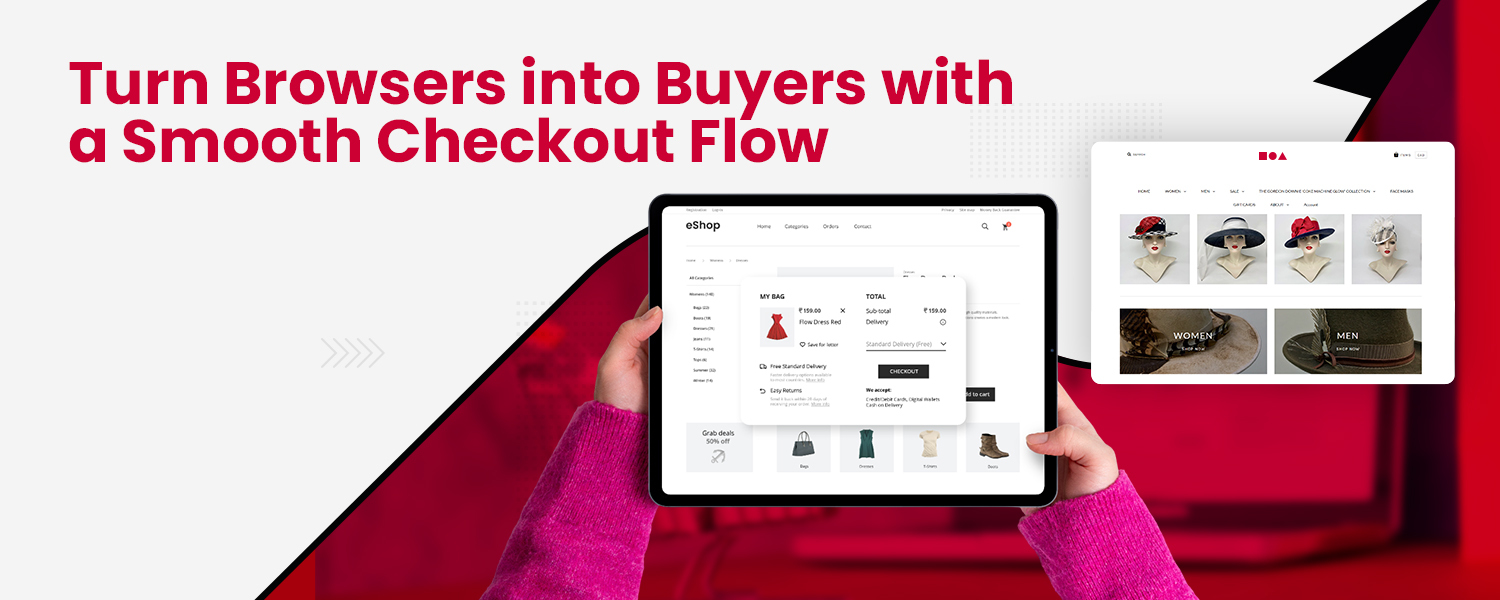
Picture this. You spot a sleek pair of trending formal shoes online, add them to your cart, and head to checkout. You are already imagining wearing them. But suddenly, the payment page takes forever to load. Or worse, it glitches. The excitement turns into frustration, and you walk away without buying.
That exact moment is what eCommerce sellers dread. And they have good reason to worry. According to the Baymard Institute, 70.19% of online shopping carts are abandoned. In other words, 70 out of every 100 potential buyers leave without completing their order. Now imagine converting even half of those missed sales. The impact on your revenue would be massive.
In this blog, we will explore practical ways to streamline your eCommerce checkout flow. These ideas are designed to reduce friction, cut down cart abandonment, and make online shopping effortless for your customers.
What is an eCommerce Checkout Flow?
An eCommerce checkout flow is the journey a customer takes from adding an item to the cart to receiving an order confirmation. Every click, every detail they fill in, and every choice they make shapes that journey.
Typical Stages of an eCommerce Checkout Flow
Cart Review – Customers check product details, quantities, and total costs.
Login or Guest Checkout – They sign in, create an account, or continue as a guest.
Shipping Information – They enter their address and choose a delivery option. Modern systems can pre-fill this data with over 95% accuracy, saving time.
Billing Information – If different from shipping, billing details are added.
Payment Selection – Customers pick a payment method such as UPI, card, wallet, or net banking.
Order Review – A summary of all details is displayed before confirming.
Order Confirmation – A confirmation message or email is sent instantly.
Why Do Shoppers Abandon Carts During eCommerce Checkout?
Some of the most common reasons include:
- Unexpected extra charges like high shipping costs, taxes, or hidden fees at the checkout stage, making customers change their minds
- Too many checkout steps or unnecessary details, frustrating buyers
- Forced account creation when they only want to buy quickly, leading to drop-offs
- Limited payment options that do not match customer preferences
- Slow website speed, errors, or crashes during payment, making customers lose patience
- Website security doubts, making buyers hesitant to share payment details
- Long delivery timelines compared to competitors, resulting in customers looking for faster alternatives
- Window shopping by users without real purchase intent
How to Make Checkout Smoother?
1. Keep the Process Short
Minimize steps and reduce form fields. The ideal checkout lets buyers finish in two to three minutes.
2. Allow Guest Checkout
Not every buyer wants an account. Let them purchase as guests and give them the option to save details later for faster future purchases.
3. Offer Multiple Payment Methods
Include UPI, cards, wallets, and BNPL (Buy Now, Pay Later). Partner with gateways like RazorPay, PhonePe, or EaseBuzz to cover diverse preferences.
4. Optimize for Mobile
A majority of shoppers buy through mobile. Make sure your checkout is mobile-friendly with an intuitive interface, autofill, and fast loading.
5. Show All Costs Upfront
Display prices, taxes, and shipping charges before checkout. Use discount engines to offer cart-level discounts or free shipping when possible.
6. Improve Website Speed and Reliability
A laggy checkout page is a deal-breaker. Optimize images, reduce scripts, and keep servers strong to handle peak traffic.
7. Use a Progress Bar
Show buyers how many steps are left. It keeps them informed and motivated to finish.
8. Add Security and Trust Signals
Highlight SSL security, safe payment badges, and OTP verification to assure customers that their data is safe.
9. Enable One-Click Checkout for Returning Buyers
Securely store details to make repeat purchases instant. Pair this with custom rules like disabling COD for certain areas or promoting prepaid for specific products.
10. Recover Abandoned Carts
Send cart recovery reminders through email, SMS, or push notifications. Use campaign tracking to see which recovery messages bring customers back. You can also offer discounts or incentives to encourage completion.
Why a Smooth eCommerce Checkout Flow Matters
A seamless checkout is more than convenience. It is a trust-building step that boosts conversions and encourages repeat business. With insights on conversion trends, drop-off points, and prefill accuracy, sellers can make targeted improvements. The right checkout also aligns with your brand design, supports flexible payment options, and applies real-time shipping charge rules. All these details add up to a buying journey customers remember for the right reasons.
The Bottom Line
Small changes in your checkout can create big wins for your store. Faster processes, multiple payment options, mobile-friendly layouts, and strong trust signals help turn more carts into confirmed orders.
As your consistent growth partner, we believe a checkout should be quick, accurate, and flexible without requiring coding skills. When you combine 2-3 minute order completion, smart address pre-fills, dynamic discounts, and actionable analytics, you build an experience customers love returning to.
FAQs
What is the eCommerce checkout process?
It is the step-by-step process customers follow to complete an online purchase, from cart to order confirmation, and receive a purchase confirmation.
Why is it called checkout?
Just like in a physical store, it is the final step where payment is made and the purchase is completed.

Filters