Get ₹1600 Shipping Credits on First Recharge of ₹1000. Use Code: FR1000 *T&C Apply.
 Fast, Flexible, Fully-Controlled Shipping for WooCommerce
Connect your WooCommerce store with NimbusPost’s powerful logistics engine. Automated shipping, tailored workflows.
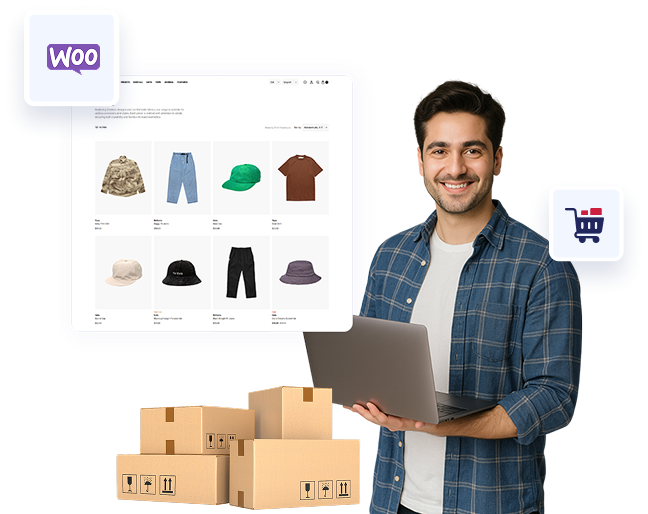
Built for WooCommerce Users Who Like to Stay in Control
Next-gen shipping that fits right into your Shopify flow — lesser stress, fewer RTOs, more room to grow.
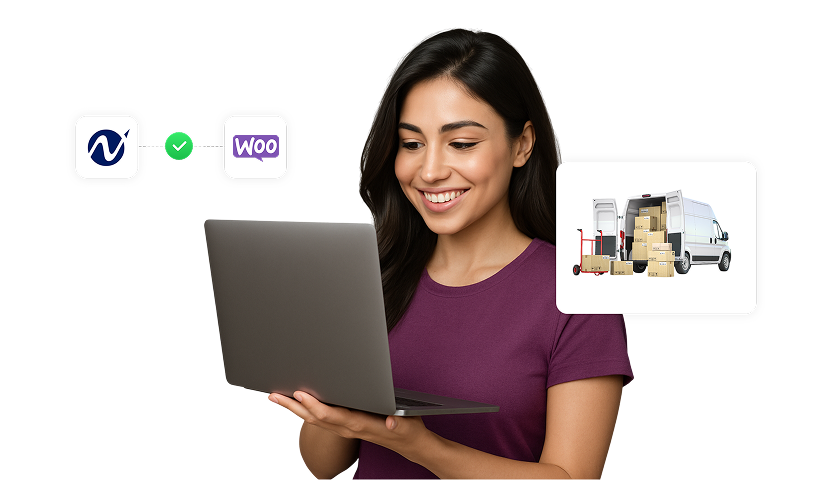
Quick and Easy Set Up
Add your store details, configure a few settings, andyou’re good to go
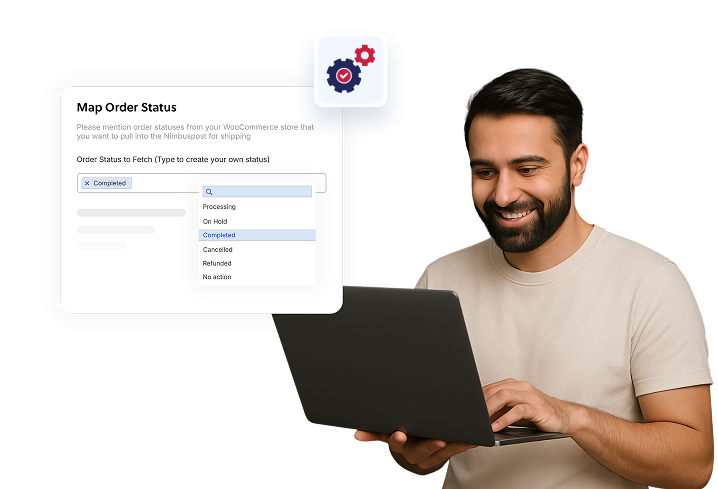
Custom Configuration
Easily map payment titles and define which order statuses to pull and push
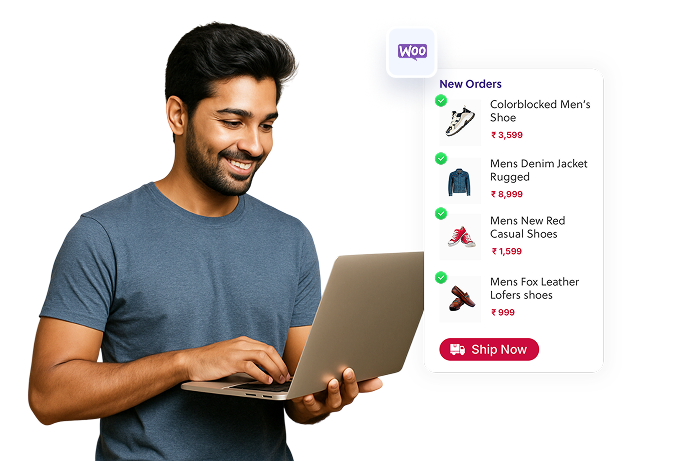
Automated Order Processing
New orders auto-sync into your NimbusPost panel, ready for bulk shipping
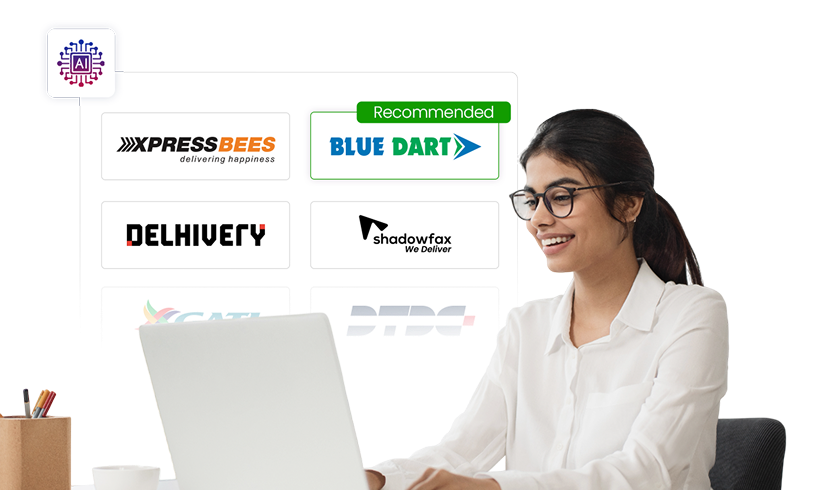
Smart Courier Allocation
Our intelligence layer auto-recommends the best-performing courier for every shipment
How to Integrate Your WooCommerce Store?
Next-gen shipping that fits right into your Shopify flow — lesser stress, fewer RTOs, more room to grow.
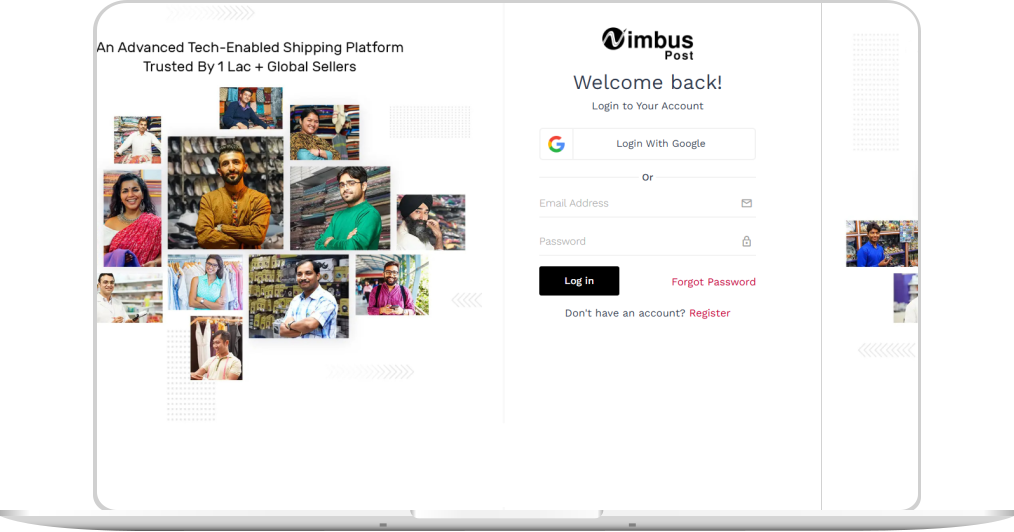
Log into your NimbusPost account.
Head to Settings > Channel > New Channel from the sidebar menu.
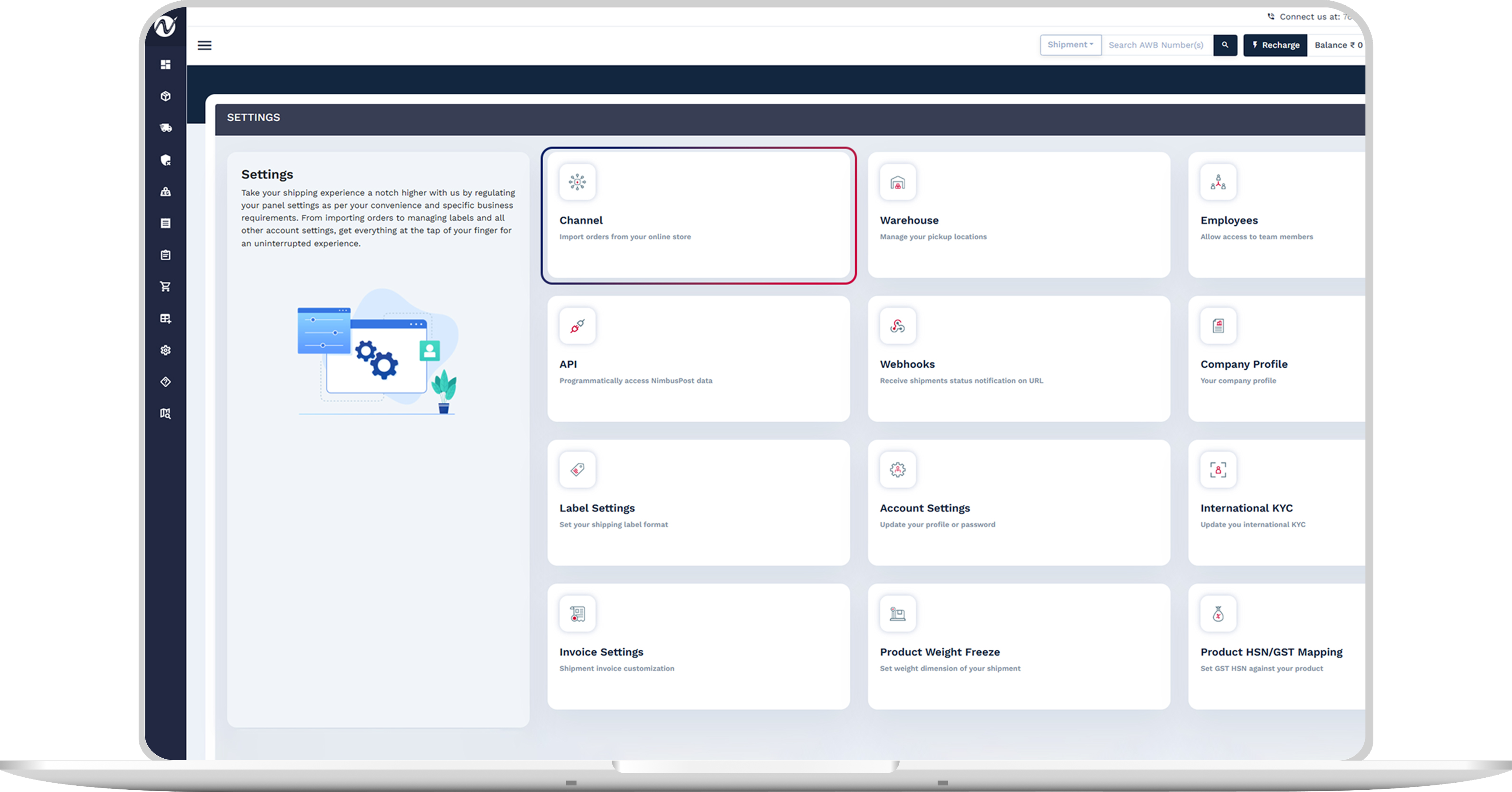
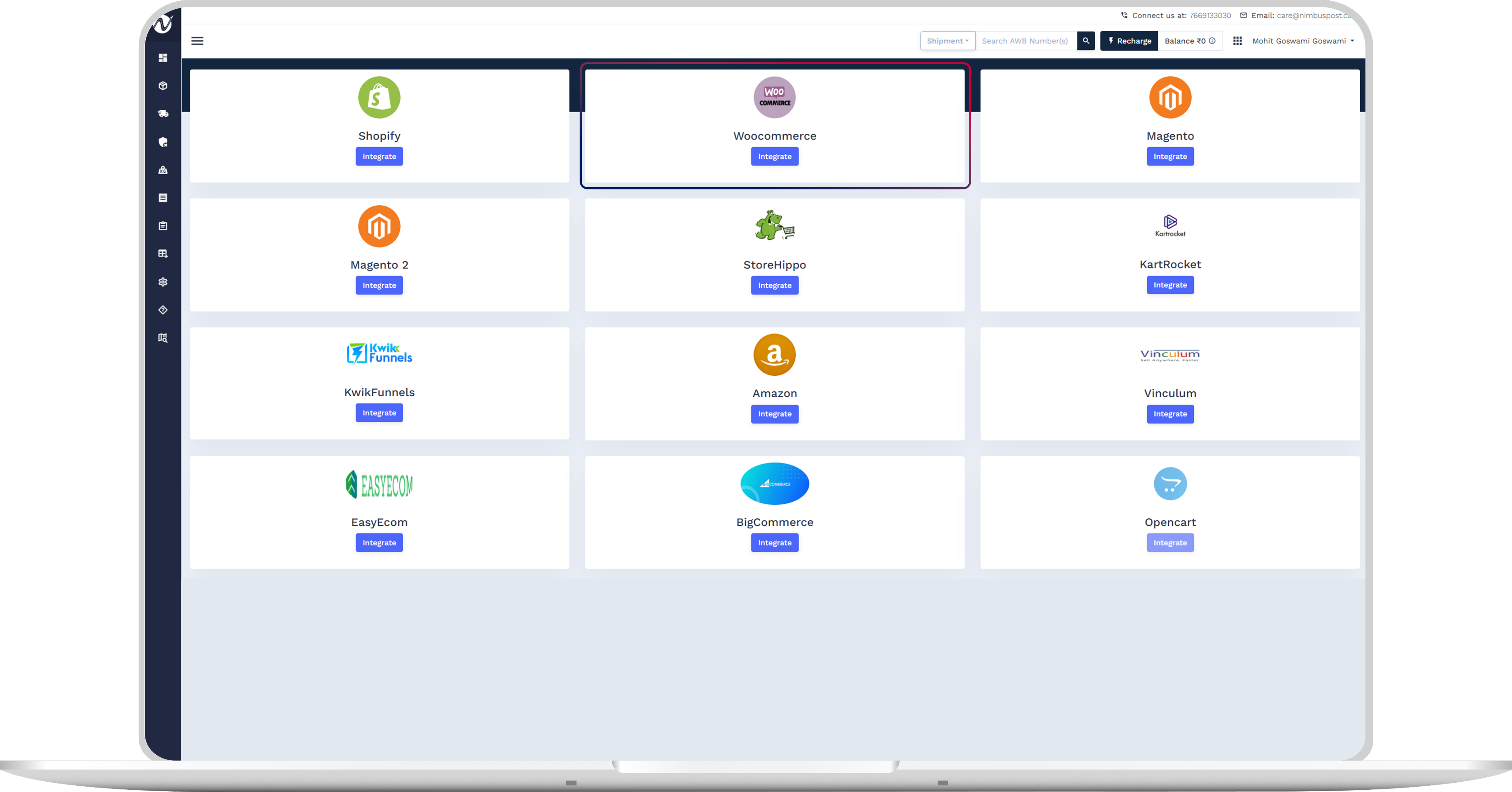
Select WooCommerce and click Integrate.
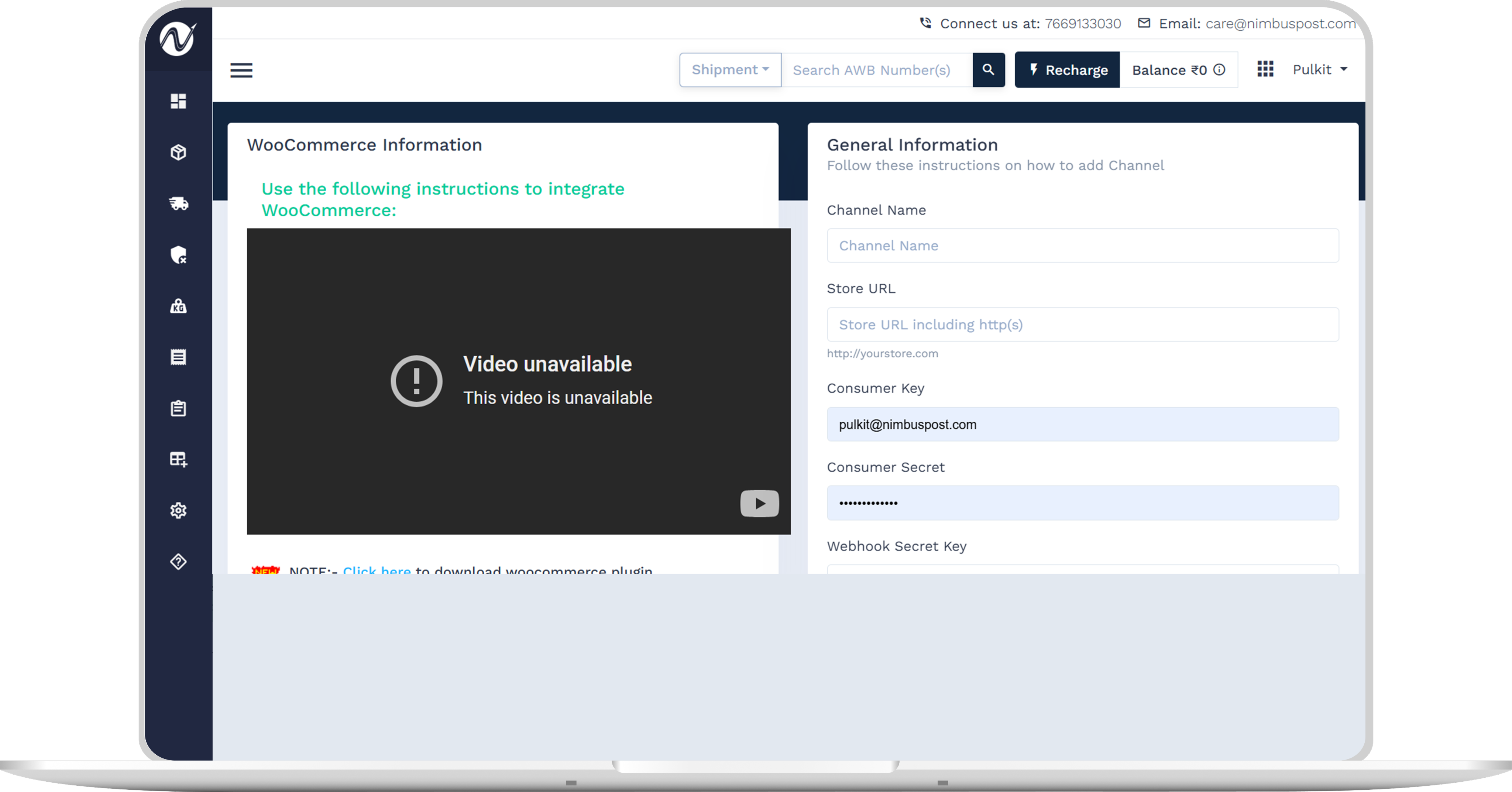
Fill in your store details such as name and URL.
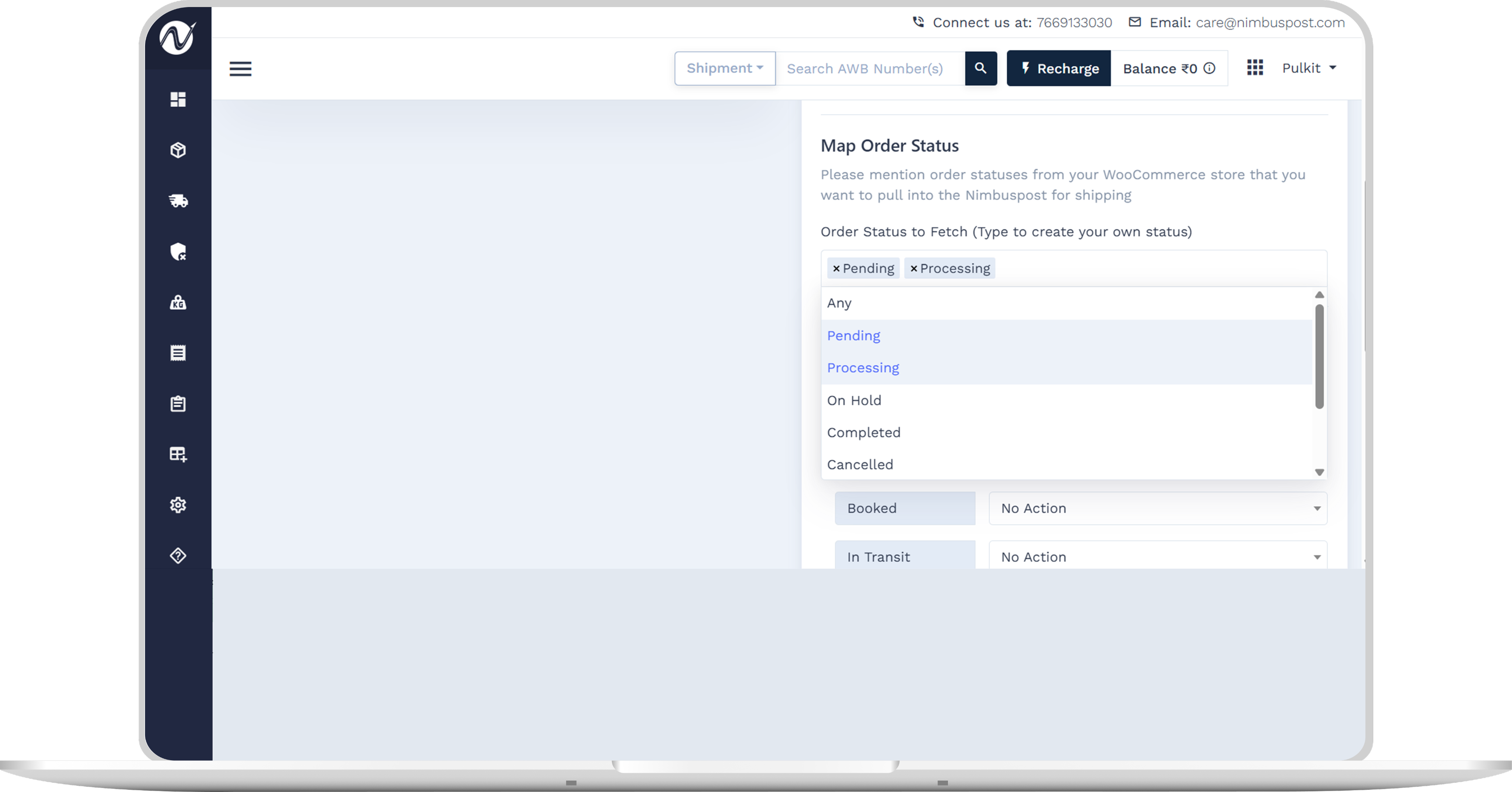
Configure preferences for pulling and pushing order statuses.
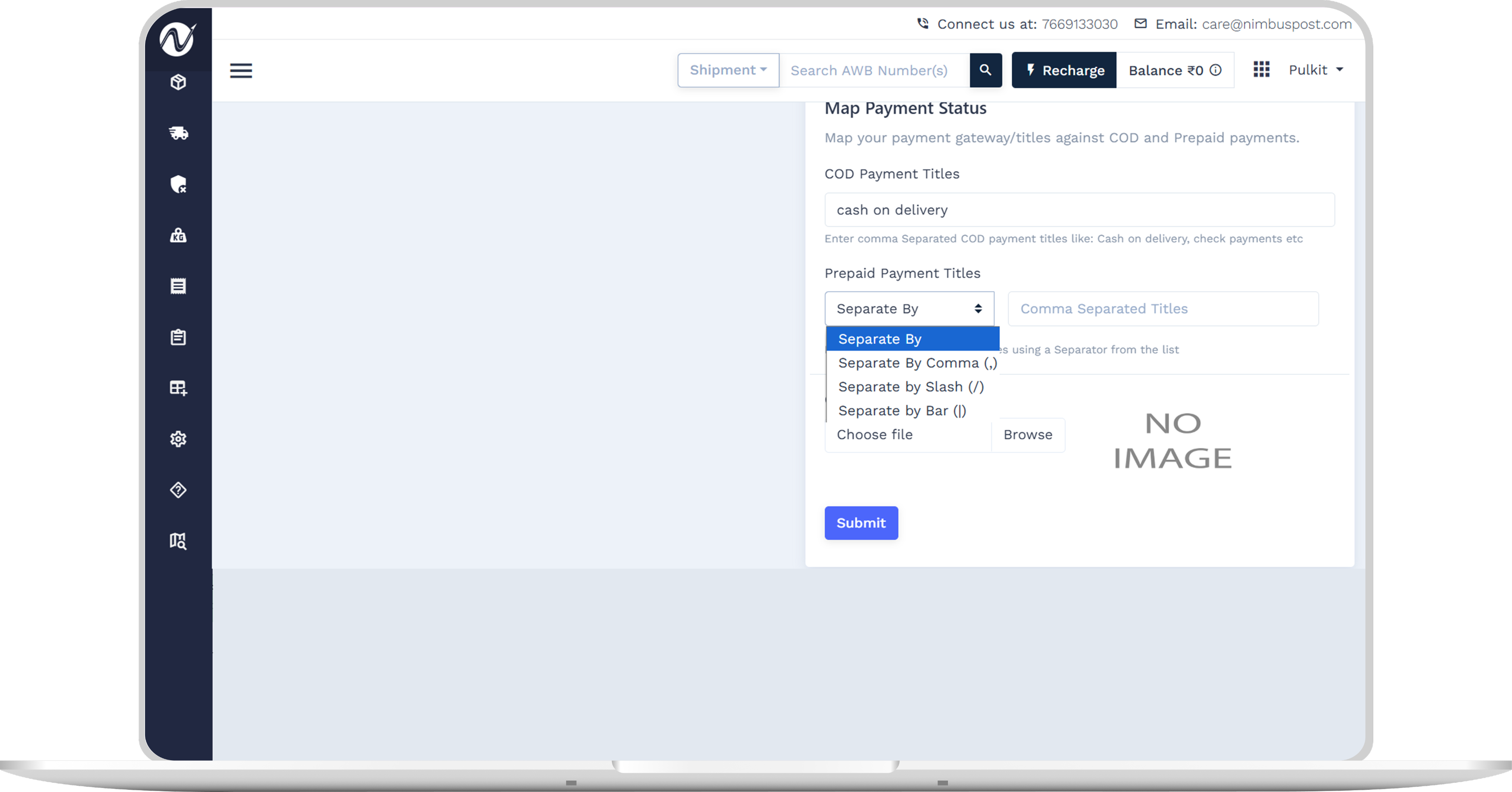
Map your payment titles (COD/prepaid), upload your brand logo, and click Submit.
Your WooCommerce store is now integrated. View synced orders under the Orders tab and manage shipments from the Shipments section.
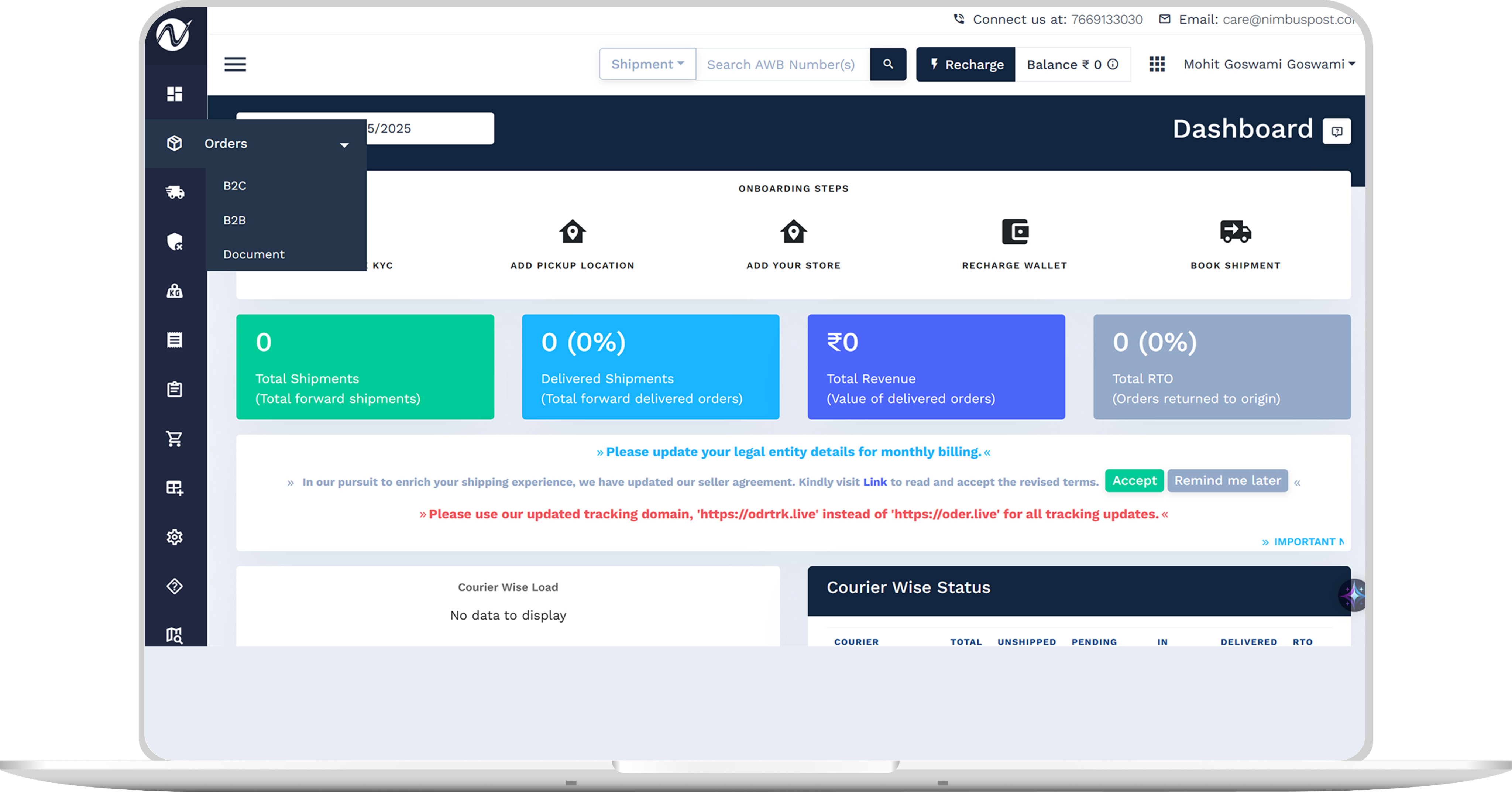
12+ Channels, One Simplified Shipping Gateway
Using multiple platforms? Manage all your orders and shipping from one unified dashboard — no switching tabs, no missed updates.